Your whole year in one calendar
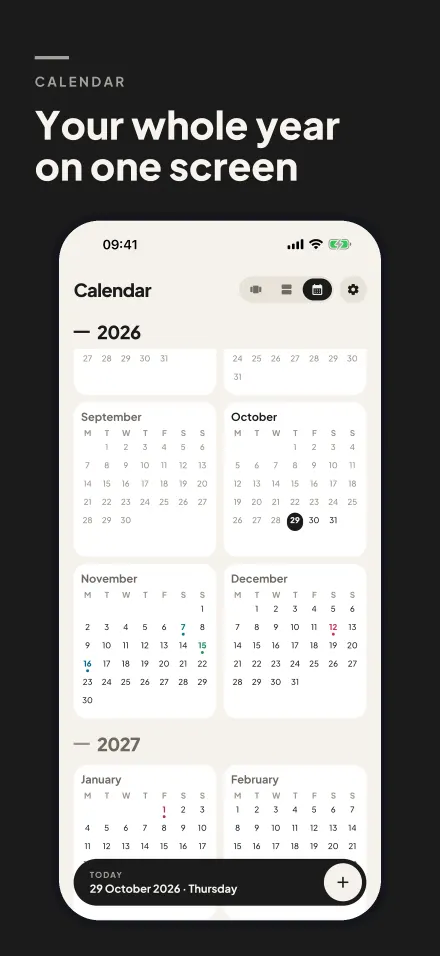
Months sit two by two and every counter's day is marked in its own color. Tap a day to add a counter right there.
Birthday, vacation, exam, wedding, payday… Pick a date and the days left fill the screen. When the date passes, the counter keeps going and counts the days since.
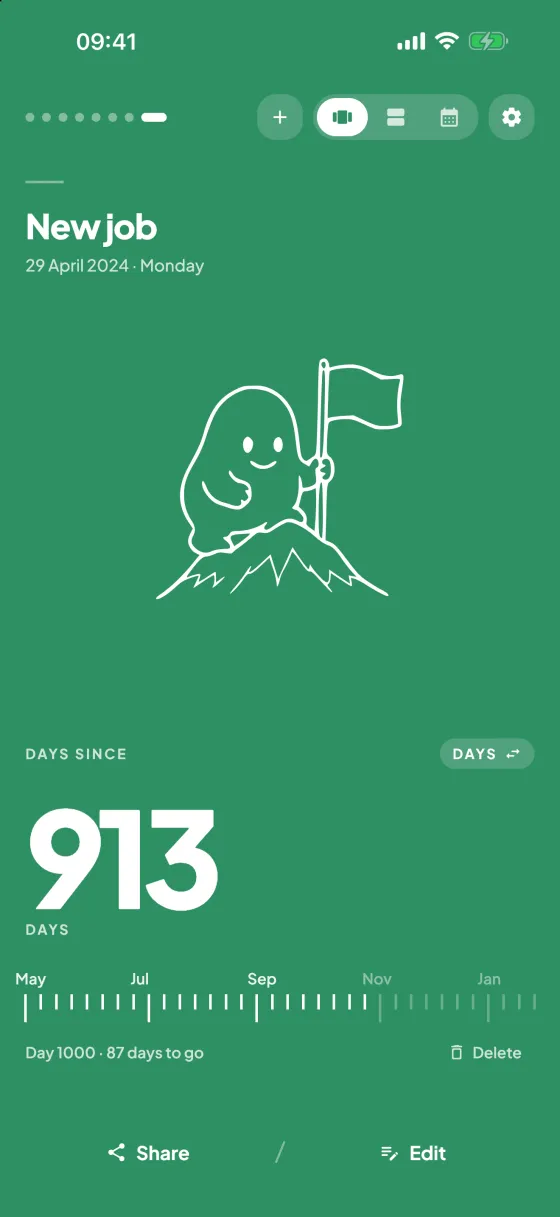
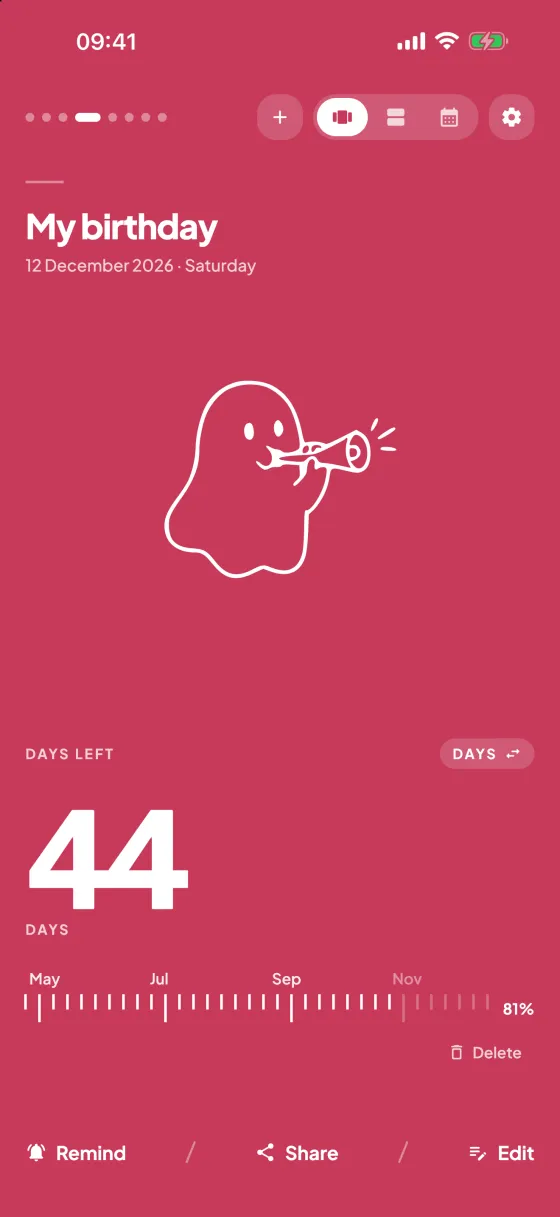
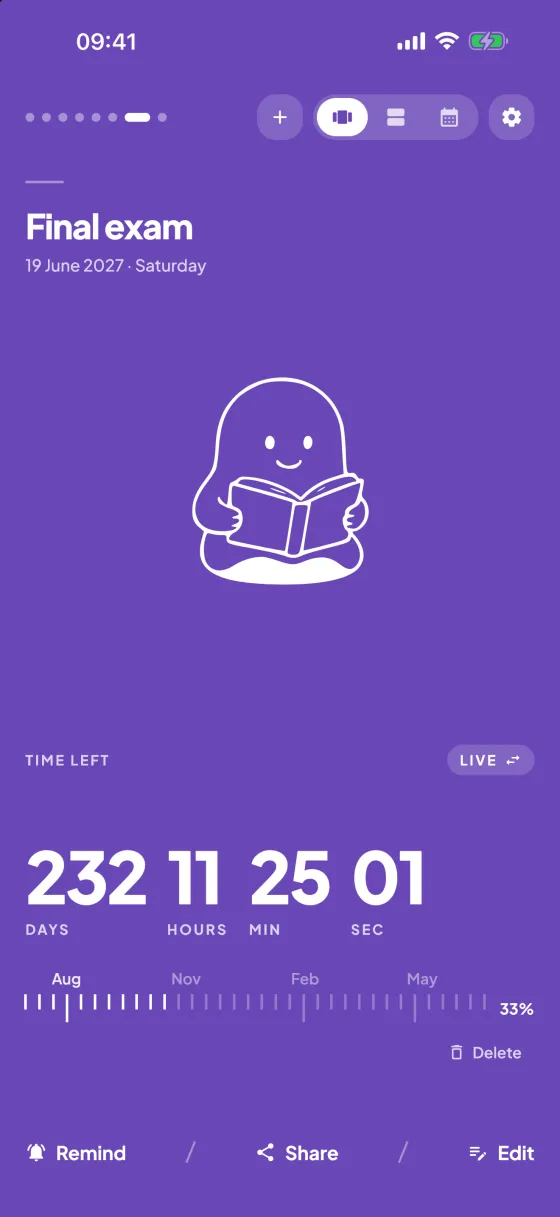
Pick a date: if it's ahead, you'll see how many days are left; if it has passed, how many days since. Tap the big number to switch to weeks, months, hours or a live countdown.
New Year's Day
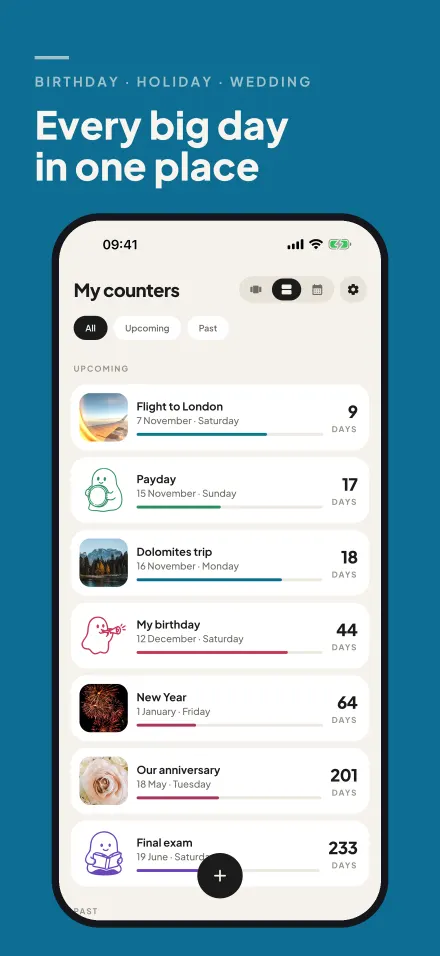
No saved counters yet. Pick a date and tap “Save counter”; upcoming days are listed first, past ones below.
Measures to the hundredth of a second and records laps, marking the fastest and slowest. Close the tab and it carries on where it was.
Space start / stop · L lap · R reset
Tap “Lap” while the stopwatch is running; each lap is listed here with its time and the total.
| Lap | Lap time | Total |
|---|
The web counter is only a small part. The Day Counter app puts the days you're waiting for on your Home Screen, your Lock Screen and your story.
Months sit two by two and every counter's day is marked in its own color. Tap a day to add a counter right there.
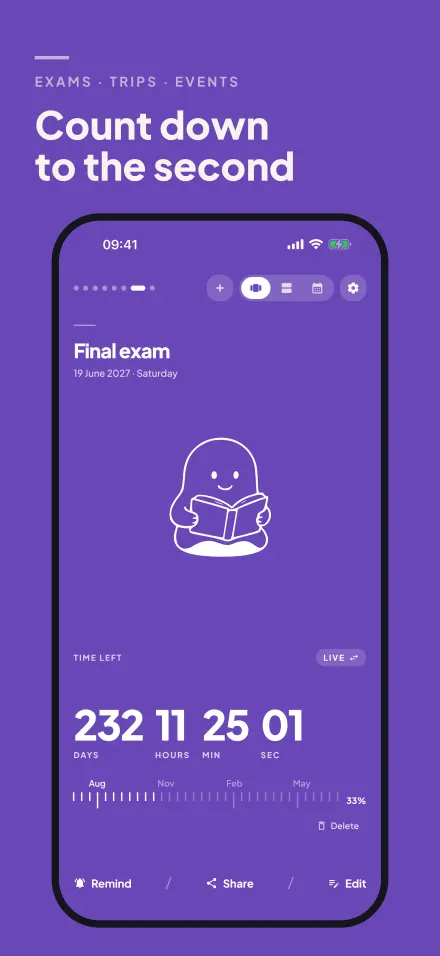
See the time left in days, weeks, months, hours or live: 234 days 16 hours 32 minutes 54 seconds.
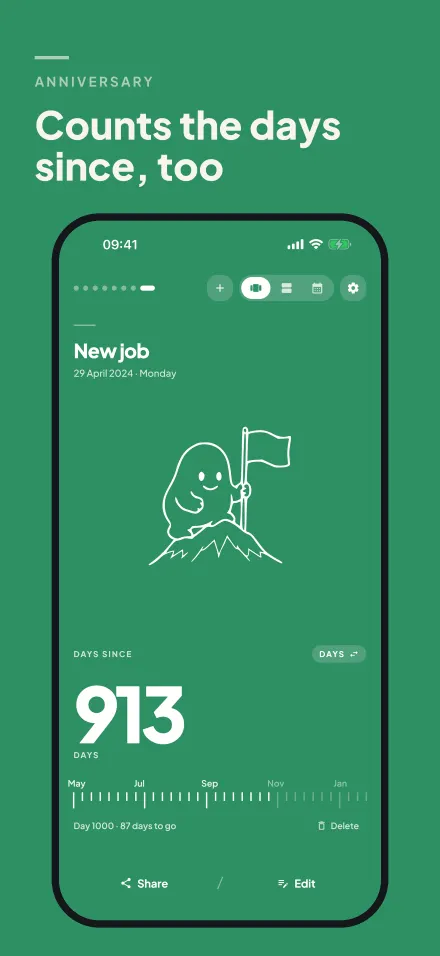
When the date passes, the counter keeps going and shows the next milestone: “Day 1000 · 87 days to go”.
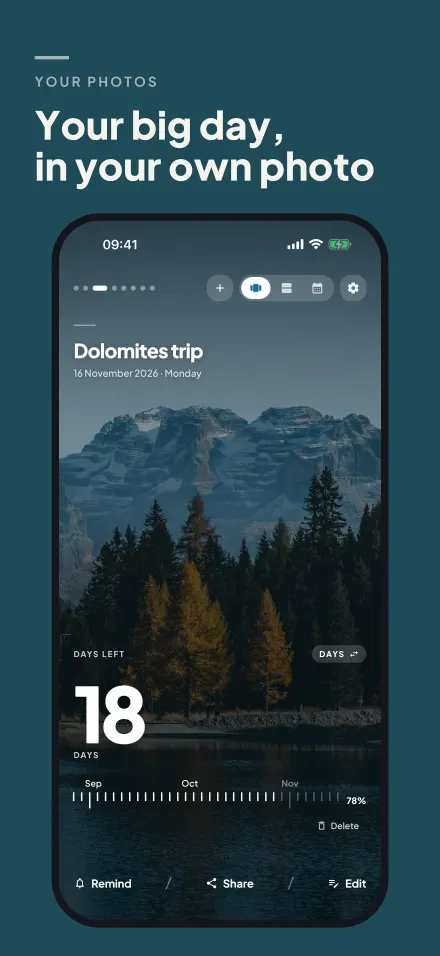
Put your holiday beach or favorite shot behind a counter; its card, share image and widget all use it. (Day Counter+)
Payday, rent and your card bill roll over every month by themselves. New Year, Valentine's Day, Mother's Day and more come back every year.
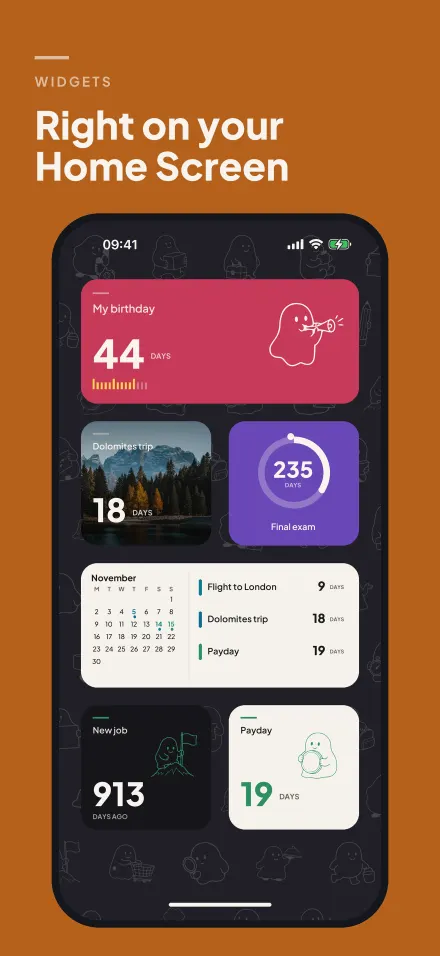
Big counter, progress bar, ring, calendar, list and Lock Screen widgets. You choose which counter each one shows.
A month, a week or a day before — or that morning. Get a summary of the week every Monday if you like.
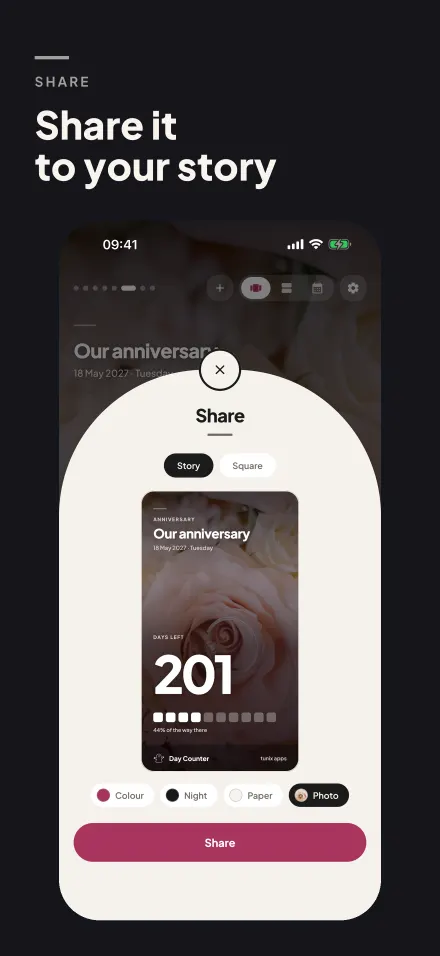
Turn a counter into a clean card in story or square format, with a colored progress row.
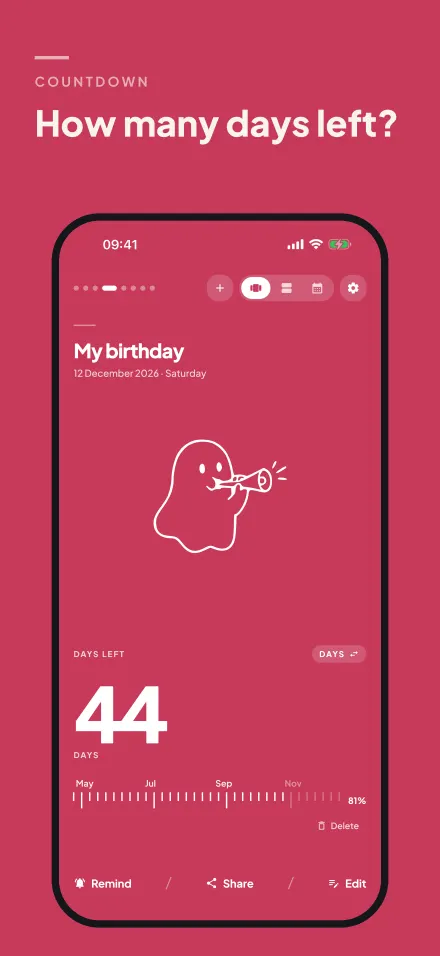
We count calendar days from today to the date you pick: today is not counted, the target day is. For example, there are 44 days from October 29 to December 12.
In hours and live view, the time is counted to midnight (00:00) at the start of the target day, in your device's time zone.
The counter turns around and shows how many days have passed since that date. The ruler shows the next milestone (day 100, day 1000 or the next anniversary) and how many days are left until it.
Counters and the stopwatch on this page are stored only in your browser (localStorage) and are never sent to a server. The app has no account or sign-in either; your counters stay on your phone.
Yes. Every core feature is free. The optional Day Counter+ adds no ads, your own photos, extra share themes and widget styles; it comes as a yearly subscription (first 7 days free for new subscribers) or a one-time lifetime purchase.
The app runs on iPhone and iPad with iOS 15 or later, in English, Turkish, German, French, Spanish and Arabic. The counter and stopwatch on this page work in any browser.
Touch and hold an empty area of your Home Screen, tap Edit or the + button, choose Day Counter and add the size you like. Touch and hold the widget and tap “Edit Widget” to choose which counter it shows.
No. The start time is saved in your browser, so when you come back the stopwatch carries on where it was, laps included.

Day Counter — Days Until · free for iPhone and iPad